
Configuring PV optimization
The wallbox can align its charging session with the PV surplus. Prerequisite is an active connection to the wallbox's own HEMS or a compatible EEBus energy management system that measures the grid connection point — only then does the wallbox know the available PV surplus.
Open PV optimization
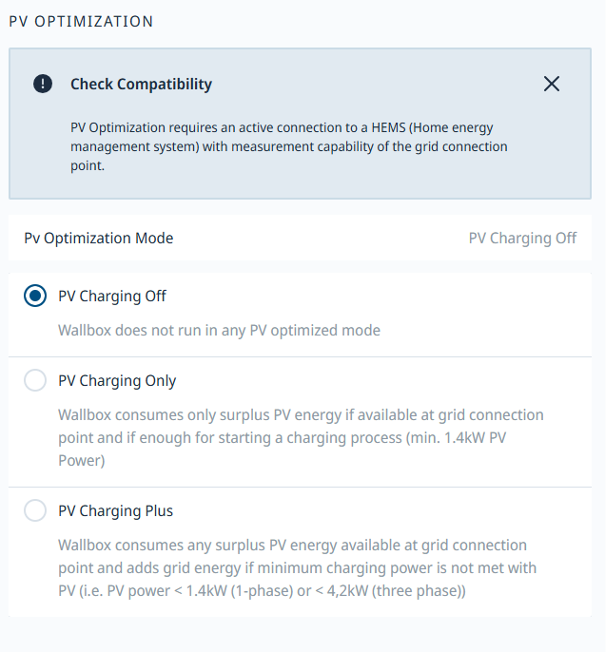
Under "Charging Management → Charging Settings", the "PV Optimization" section sits on the same page as phase switching. The currently active mode is shown in the top right.
Choose a mode
Three modes are available. "PV Charging Off" disables PV optimization — the wallbox charges regardless of the PV surplus. "PV Charging Only" uses solely the available PV surplus and starts only from at least 1.4 kW of PV power; if the surplus is insufficient, charging pauses. "PV Charging Plus" likewise uses the full surplus, but tops up with grid power whenever the minimum charging power is not met (< 1.4 kW single-phase or < 4.2 kW three-phase).